Visit our website and navigate to the product page you are interested in. Use the Switch Warehouse button to view the stock available at each warehouse.
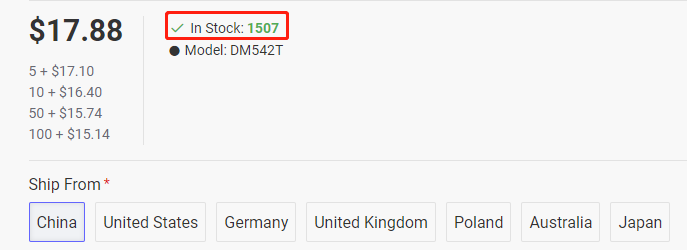
If the product is in stock, the available quantity will be displayed.
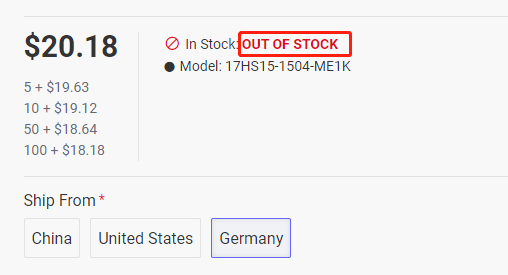
If the product is out of stock, it will show as Out of Stock.
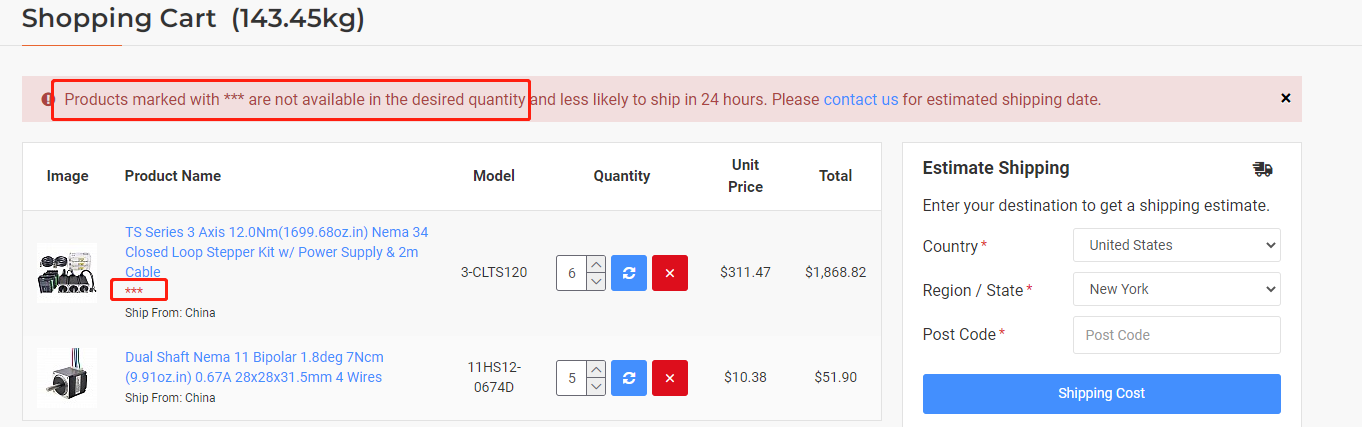
If a product in your shopping cart is highlighted in red with a warning indicator (e.g., ***), it means the requested quantity exceeds the available stock.
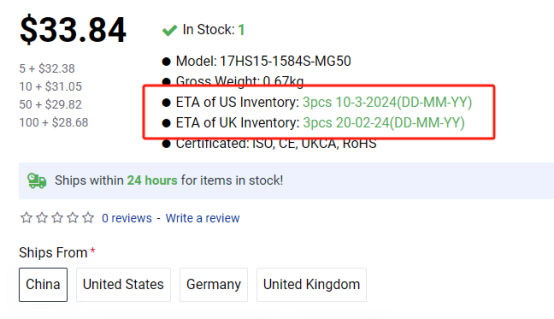
For products being shipped from our international warehouses, the estimated arrival date and expected quantity are shown on the product page.
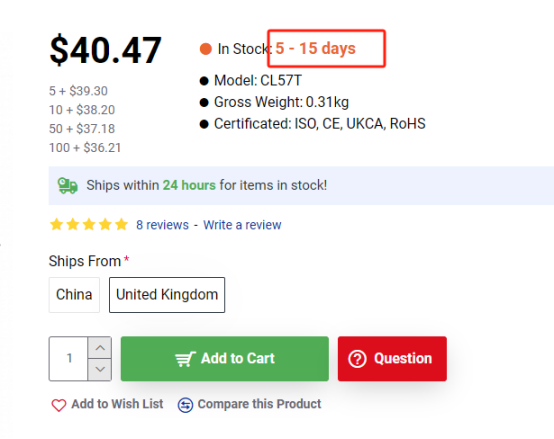
If a number of days is shown next to In Stock, the product is temporarily out of stock at that warehouse and is expected to be restocked within the indicated number of days.
For out-of-stock or low-stock items, please contact our support team for an estimated restock date.