If you have completed payment but your order status still shows as Pending, it usually means that StepperOnline has not yet received the corresponding funds.
Even though the payment has been initiated on your end, the funds may not have reached your StepperOnline account yet. The time required to process your payment depends on the payment method you selected, and it may also vary by bank and country/region.
Estimated Payment Processing Times
| Payment Method | Processing Time |
|---|---|
| PayPal | Real-time |
| Credit Card | Real-time |
| Bank Transfer | 3–10 business days |
| iDEAL | Real-time |
| Bancontact | Real-time |
| Sofort | 3–5 business days |
| Link | Real-time |
| giropay | Real-time |
| SEPA Debit | 3–7 business days |
| P24 | Real-time |
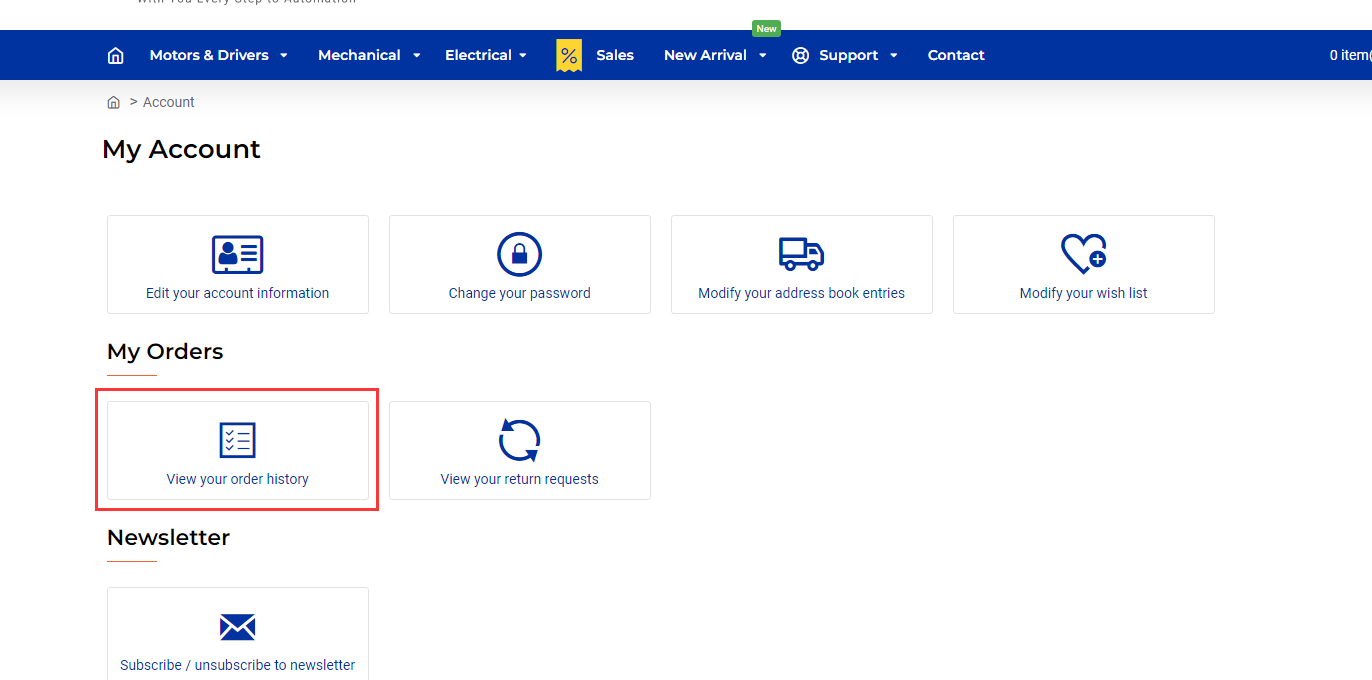
We recommend waiting at least 24 hours after payment to see whether the order status changes from Pending to Processing. You can check your order status by visiting the My Orders page.
If the order status has not changed to Processing after the estimated processing time listed above has passed, please contact StepperOnline customer support promptly. We will help you track the payment and ensure your order is processed as quickly as possible.