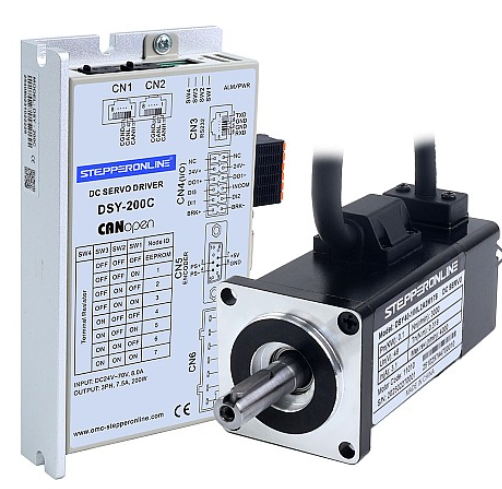
STEPPERONLINE's DSY series low-voltage servo motors are available in two variants: the DSY-RS (supporting pulse control and MODBUS RS485 communication) and the DSY-C (supporting CANopen communication). Both variants support software-based debugging.
A common requirement when working with servo motors is reading the encoder position. How can this be achieved? First, we need to identify which drive parameter corresponds to the encoder position.
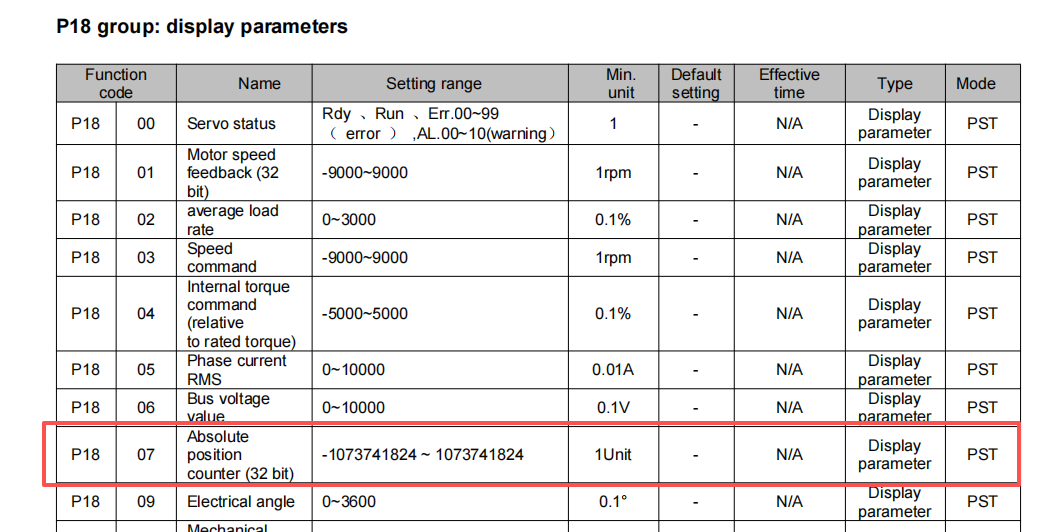
P1807 (Absolute Position Counter) is the parameter that provides encoder position feedback. The specific methods for reading this position data are as follows:
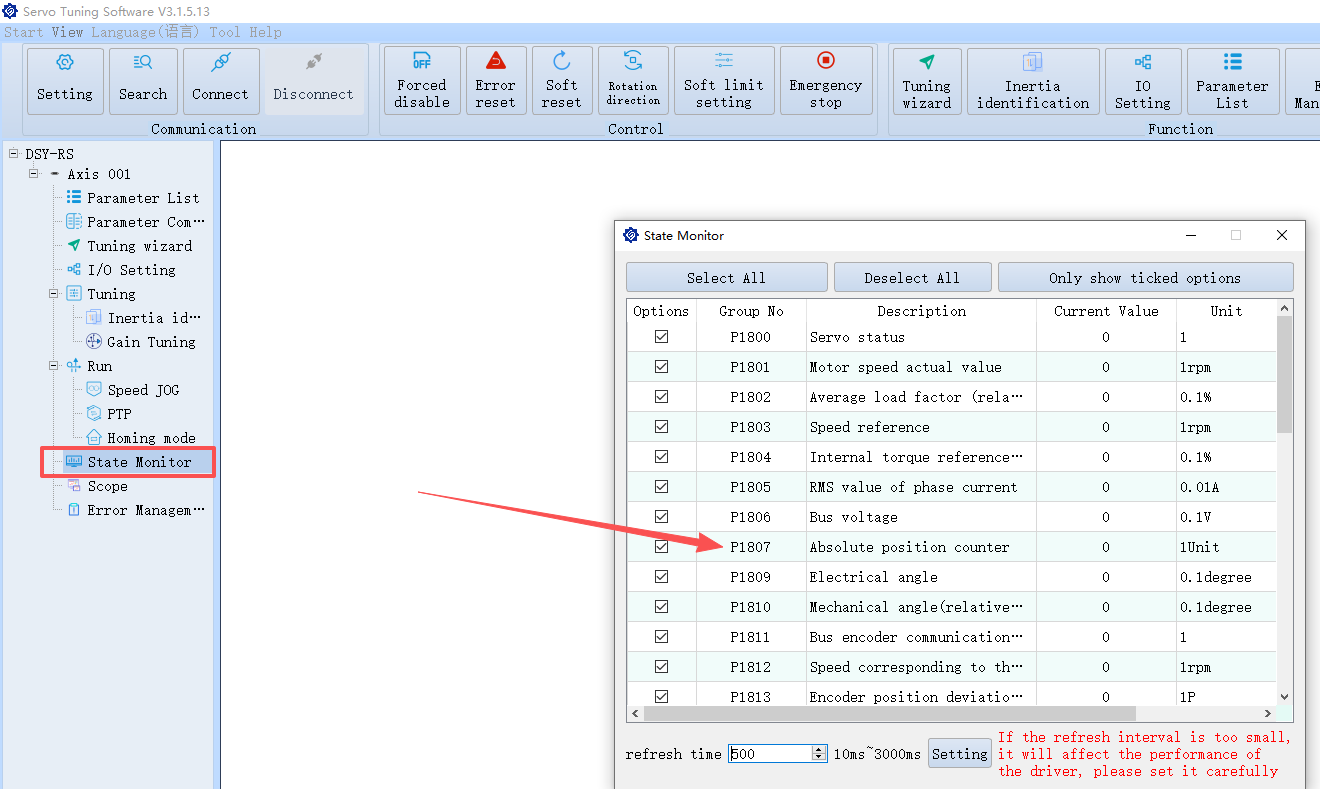
1. Using the Servo Drive Software (Simplest Method)
As shown in the figure below, you can directly view the value of P1807 in the status display bar of the servo drive software.
2. Using Bus Commands (MODBUS RS485 and CANopen)
- MODBUS RS485:
The 16-bit hexadecimal address for P1807 is 1207. The corresponding read command is:
01 03 12 07 00 01 CRC CRC
- CANopen:
Querying the object dictionary at index 6064h allows you to read the encoder position feedback.