DBLC-01 Brushless Driver: Motor Does Not Reach Maximum Speed
D
Daniel Zhang
Last updated on Jul 14, 2026
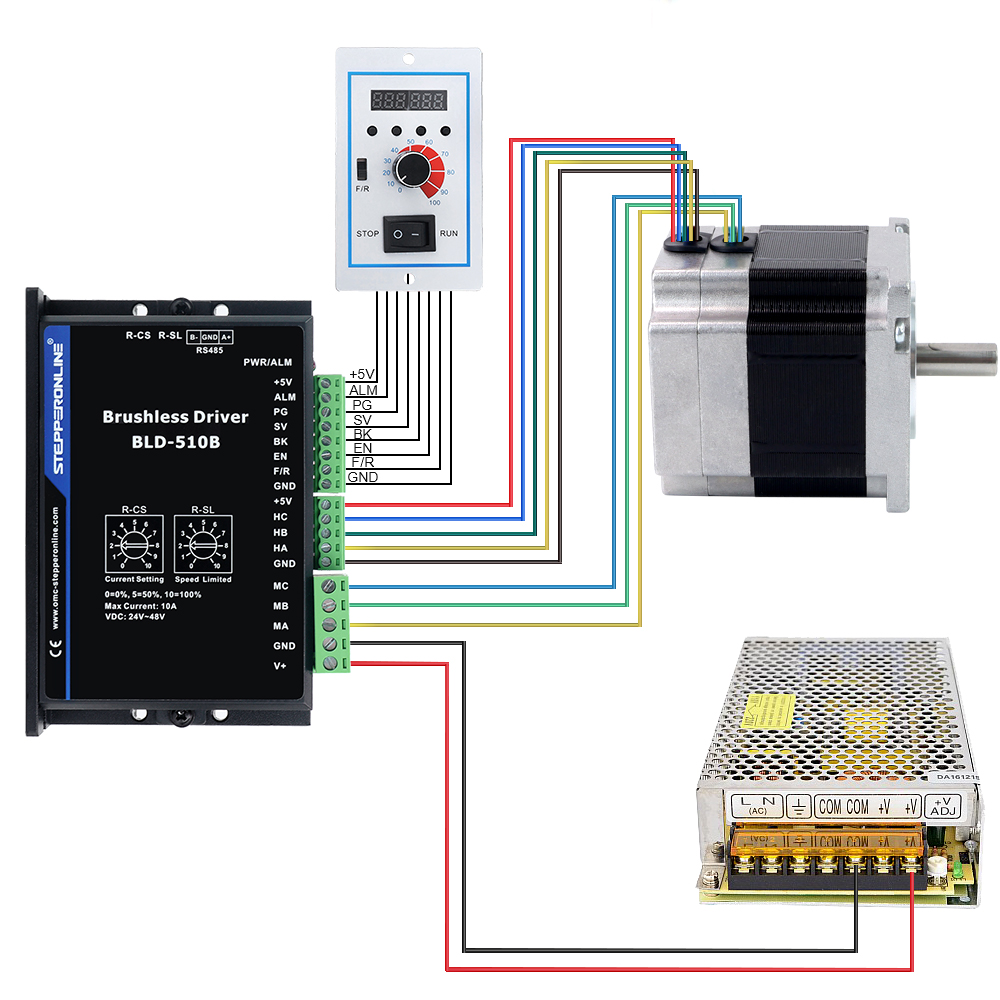
First, verify that the input voltage to the DBLC-01 brushless driver is correct, all wiring is proper, and the driver settings are configured appropriately.
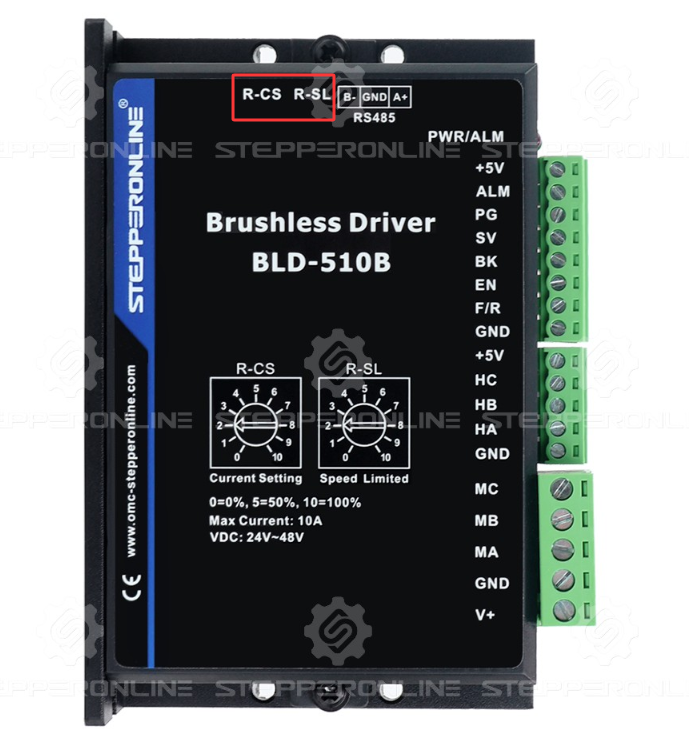
Confirm that both the R-CS (current limit) and R-SL (speed limit) adjustable potentiometers are set to 100%.
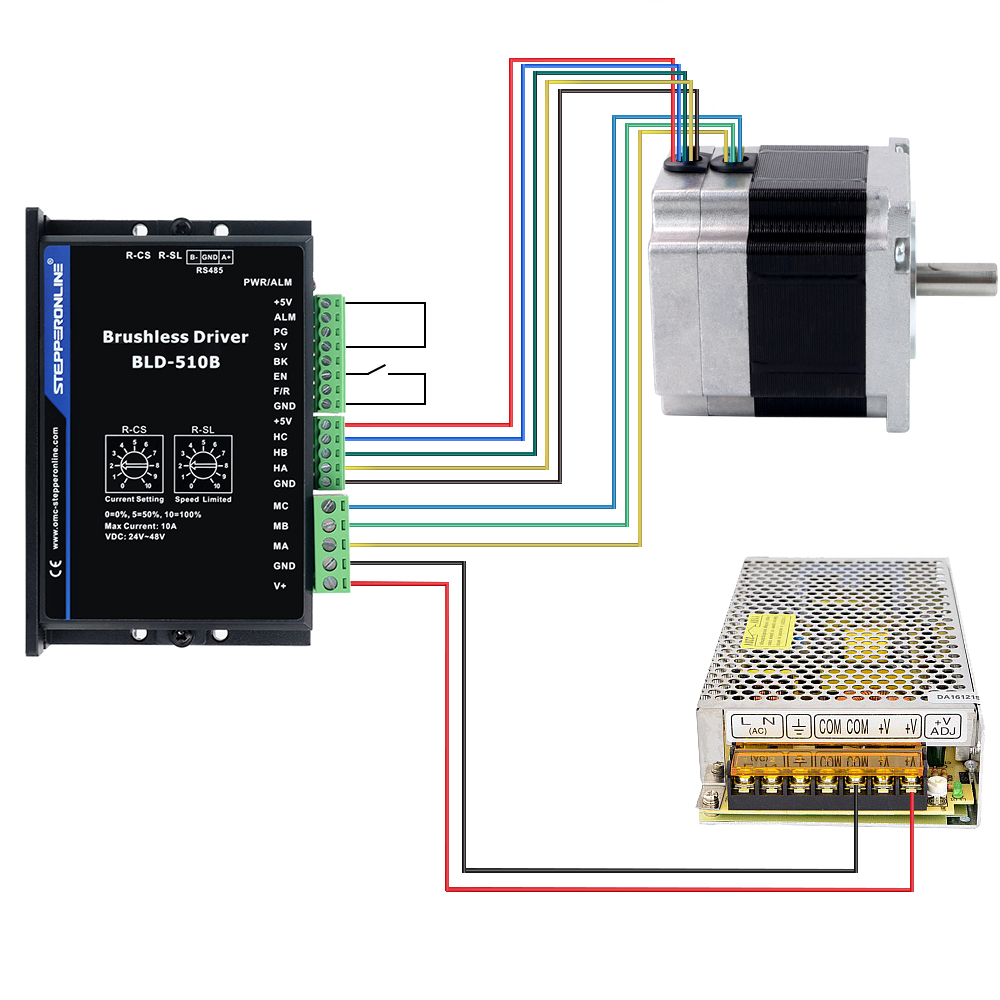
If the maximum speed is still not achieved after the above steps, disconnect all external control signals from the DBLC-01. Then, connect the driver's +5V pin to the SV (Speed Value) pin, and use a switch between the EN (Enable) pin and GND to control motor start/stop. The motor will then run at the driver's internal default maximum speed. Ensure this speed is within your motor's rated specifications before proceeding.