When using the ST-C01 controller, the screen may display garbled text. This is normal behavior—it indicates that the controller has entered self-test mode.
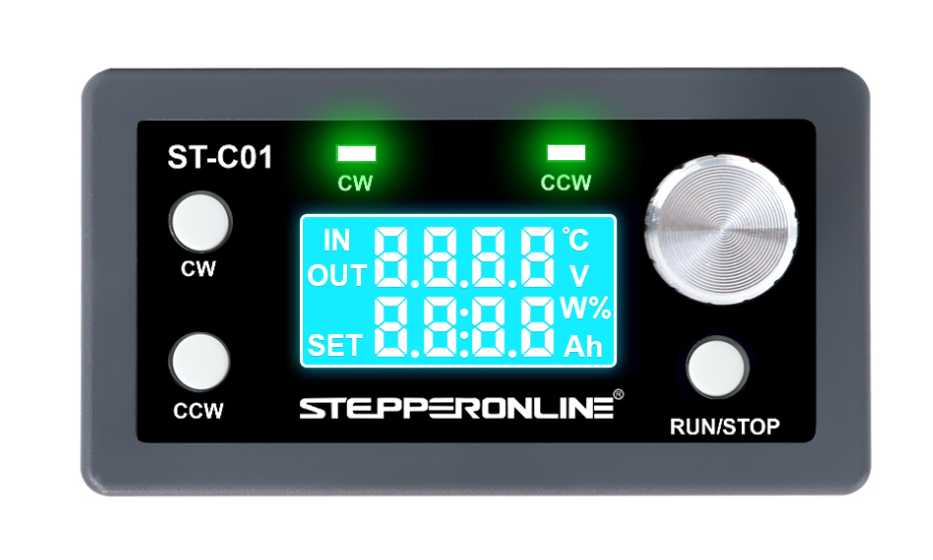
Step 1: Press RUN/STOP. Step 2: Press CW. Step 3: Press CCW. Step 4: Rotate the knob clockwise, then counterclockwise.
After completing these steps, the controller will exit self-test mode and return to normal operation.
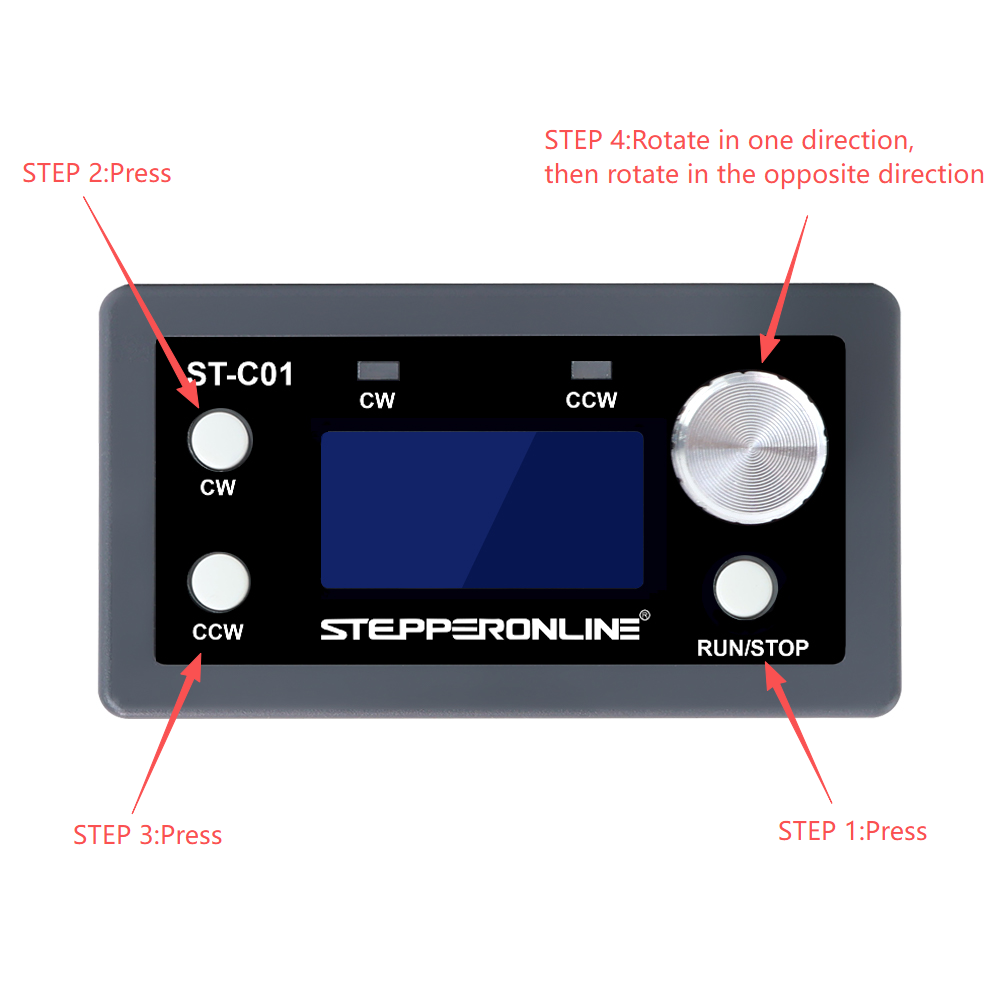
Note: Self-test mode is typically triggered by a specific button sequence during power-on. To avoid entering self-test mode accidentally, ensure that no buttons are pressed when powering on the controller.