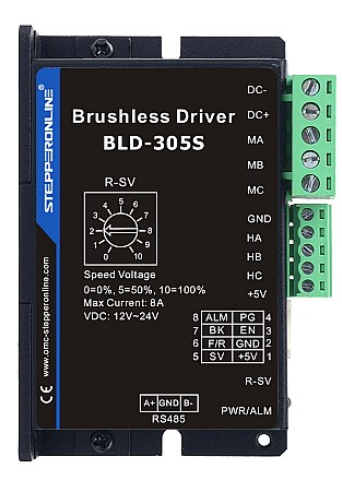
Stepperonline's Modbus-compatible brushless drives offer two control modes: Internal Control and External Control. Internal Control uses Modbus commands (via RS-485) to operate the motor, while External Control uses the physical input ports on the drive.
When controlling the drive via Modbus commands, some customers may find that—even with all wiring correct, no drive alarm present, and the Modbus commands successfully transmitted and acknowledged—the motor still fails to run as expected. The root cause is often that the drive's control mode has not been switched to Internal Control.
For example, for the BLD-305S model, the control mode parameter is shown below:

The specific Modbus command to switch to Internal Control mode is:
01 06 01 36 00 01 [CRC16 Low] [CRC16 High]
Note: Replace
[CRC16 Low]and[CRC16 High]with the calculated CRC-16 checksum bytes for this command frame. Do not send the placeholder values directly.
For other brushless drives, consult the respective drive manual to find the correct register address for modifying the control mode.
Important: Some drives (e.g., the BLD-510B) automatically switch to Internal Control mode after parameters are modified via Modbus commands. In such cases, the control mode is likely not the cause of the problem. If the issue persists, please contact our technical support team for further assistance.